Mini Minecraft
An OpenGL Voxel Game Engine and final project for CIS 4600 Course.
Project Overview
Mini Minecraft is the final project for CIS 4600 Interactive Computer Graphics at UPenn. My team included myself, Bryan Chung, and Sarah Jamal.
The project was split into three milestone. I was in charge of procedural terrain generation, multi-threading optimization, and deferred rendering/screen space reflections for the three milestones respectively.
Technologies used: C++ OpenGL GLSL Git
Procedural Terrain Generation
Mountains
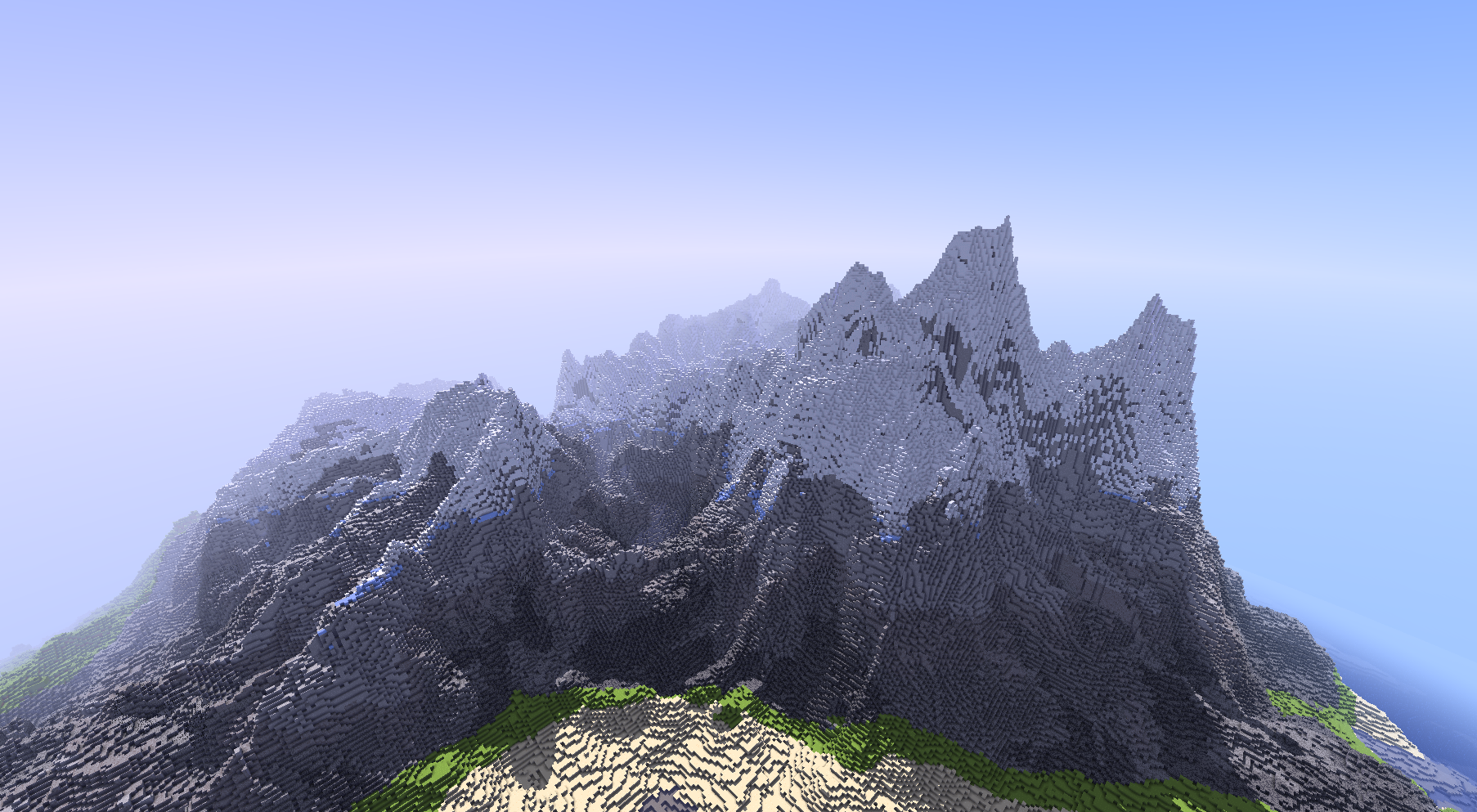
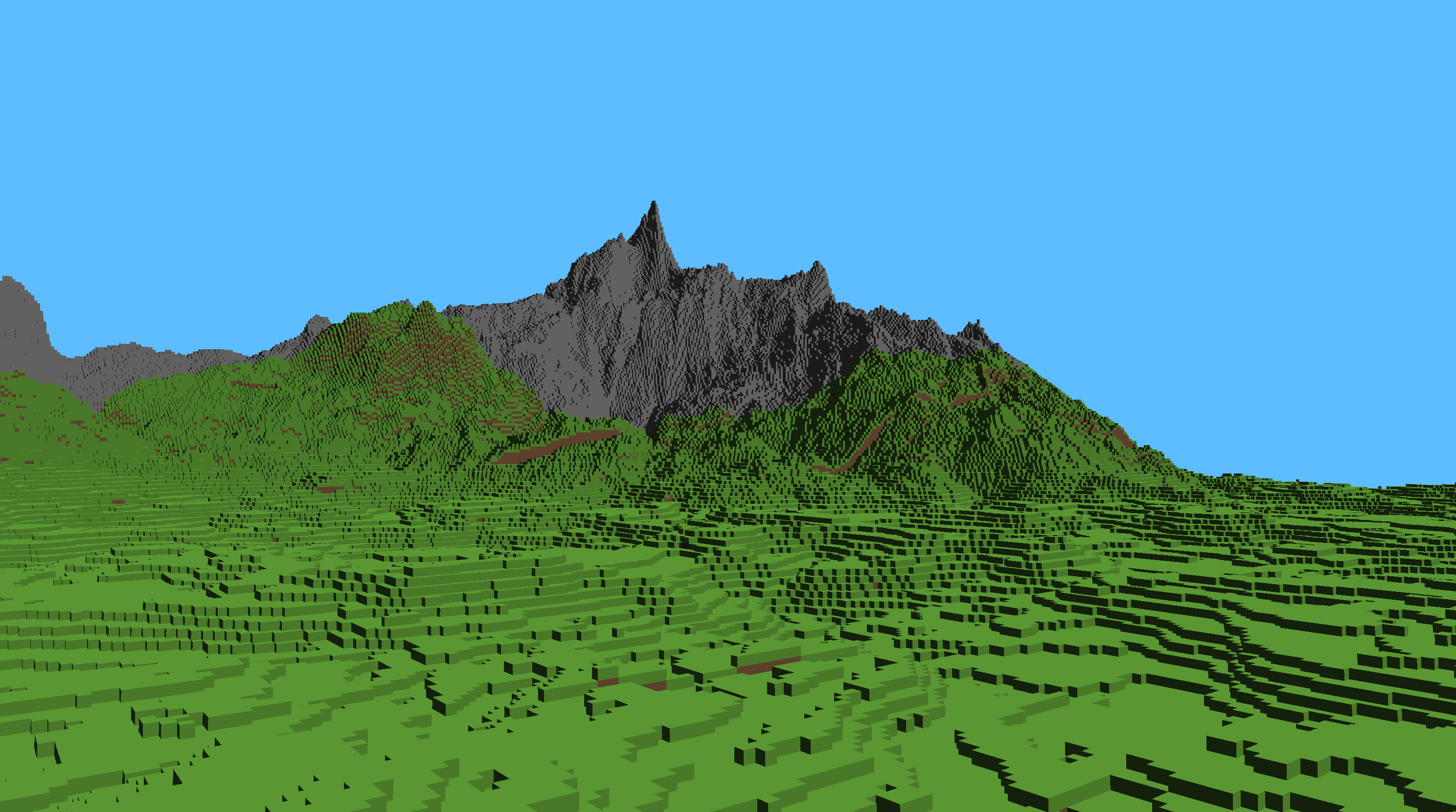
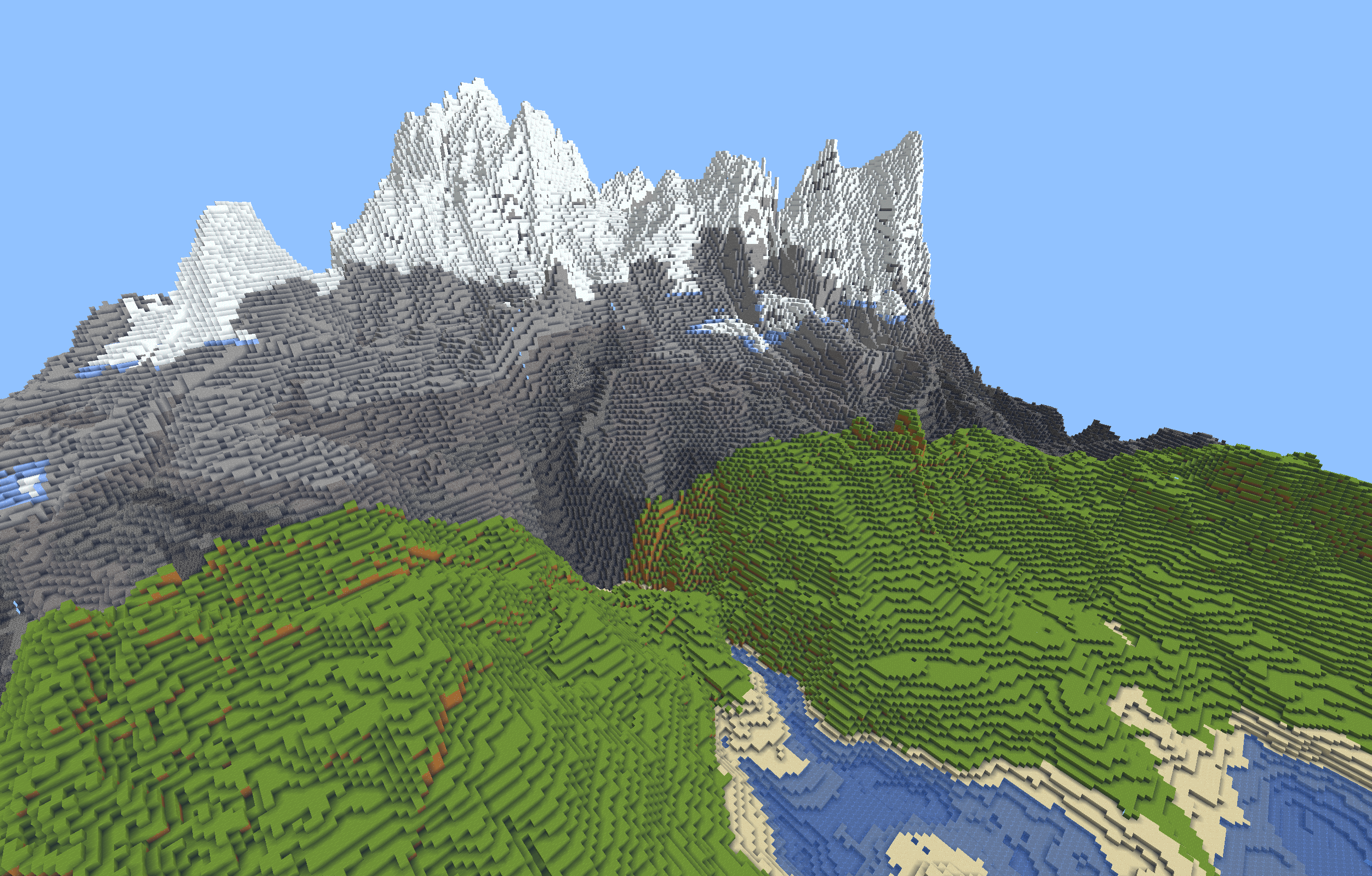
Custom Mountain Generation algorithm combining Gradient Erosion techniques with a curl-based ridge noise.
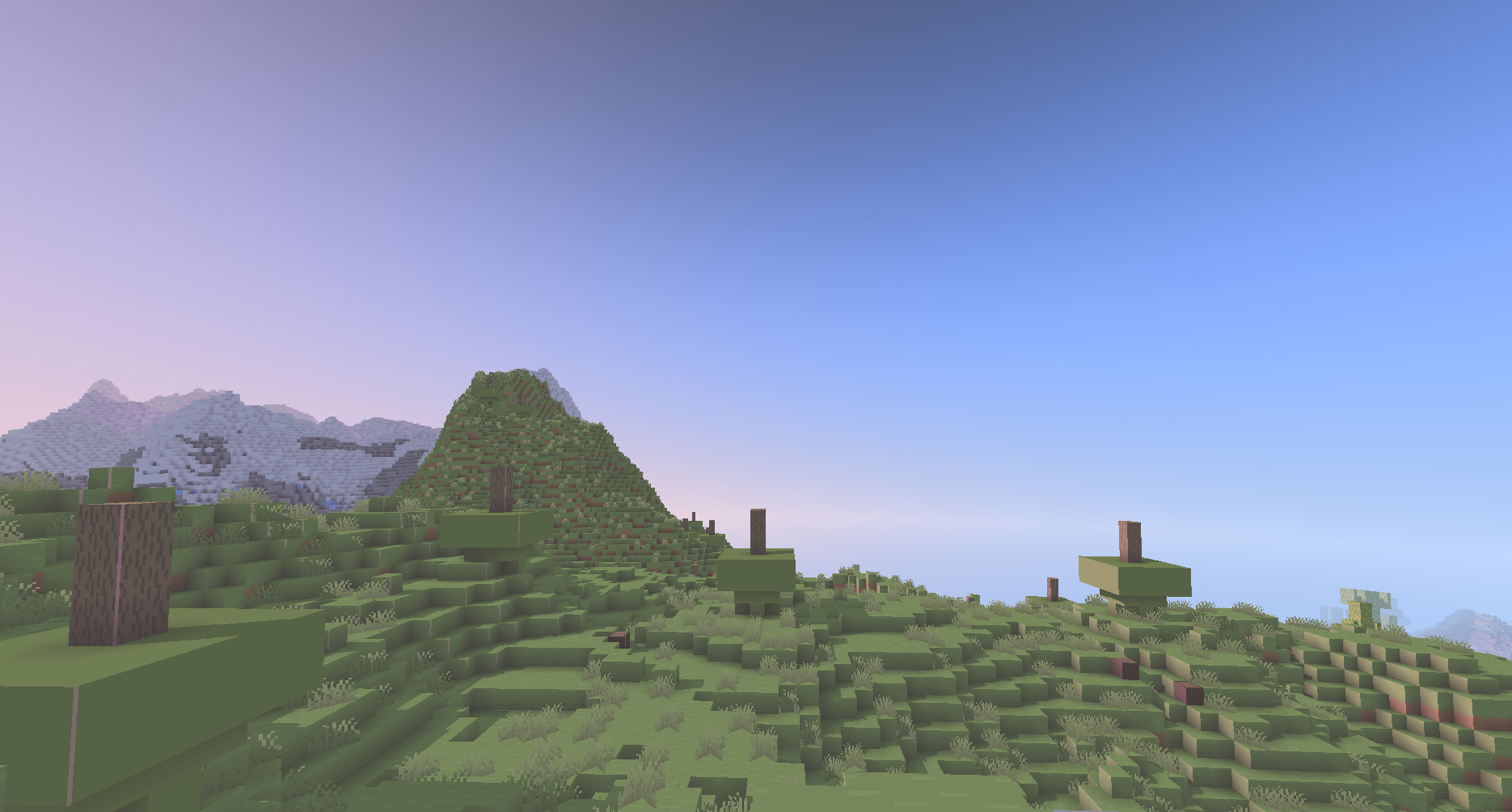
For Milestone 1, I implemented terrain generation. Going into the project one of my goals was to get really good terrain generation, especially really nice mountains. I began my work in the terrain visualizer and quickly implemented the biome blending features. For grass land, I simply tuned the numbers on the layered Perlin noise in the base code, turning down the amplitude.
Then, I began researching mountain generation techniques. My goal was to have nice mountains with cool ridges. I experimented heavily with different noises. I wanted twisty, fractal ridges coming out of my mountains. I used Ridged FBM to make the fractal noise more sharp and less rounded. After some research, I found that using the Curl of points could cause a cool twisty effect. roblems arose when I try to add the Ridge noise to the layered Perlin noise of the base code. Because the ridged FBM was too sharp and abrupt it made it hard to combine it with the Perlin Noise. It caused sharp rises and plateaus. So I took the radial average around each point to smooth it down.
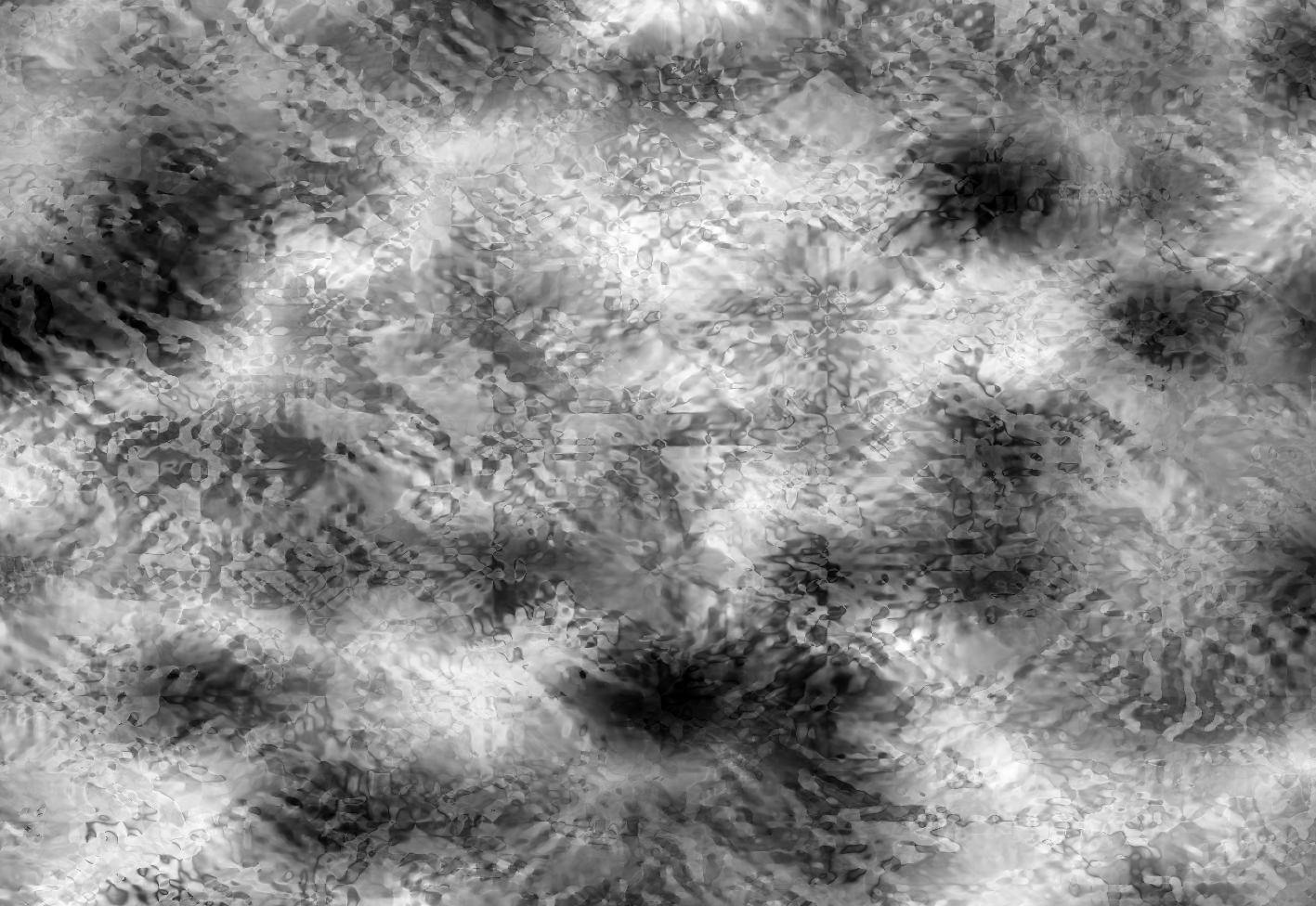
Then, I implemented the Gradient Erosion technique detailed in this video. The technique involves finding the Gradient of each layer Perlin noise and summing them. Then, you take that sum and reduce the influence of the layer based on how steep the summed gradient is, mimicking erosion. I referenced this article to find the gradient of Perlin noise.
Lastly I combined the effects and tuned the influence of the two noises to create the mountains we have.
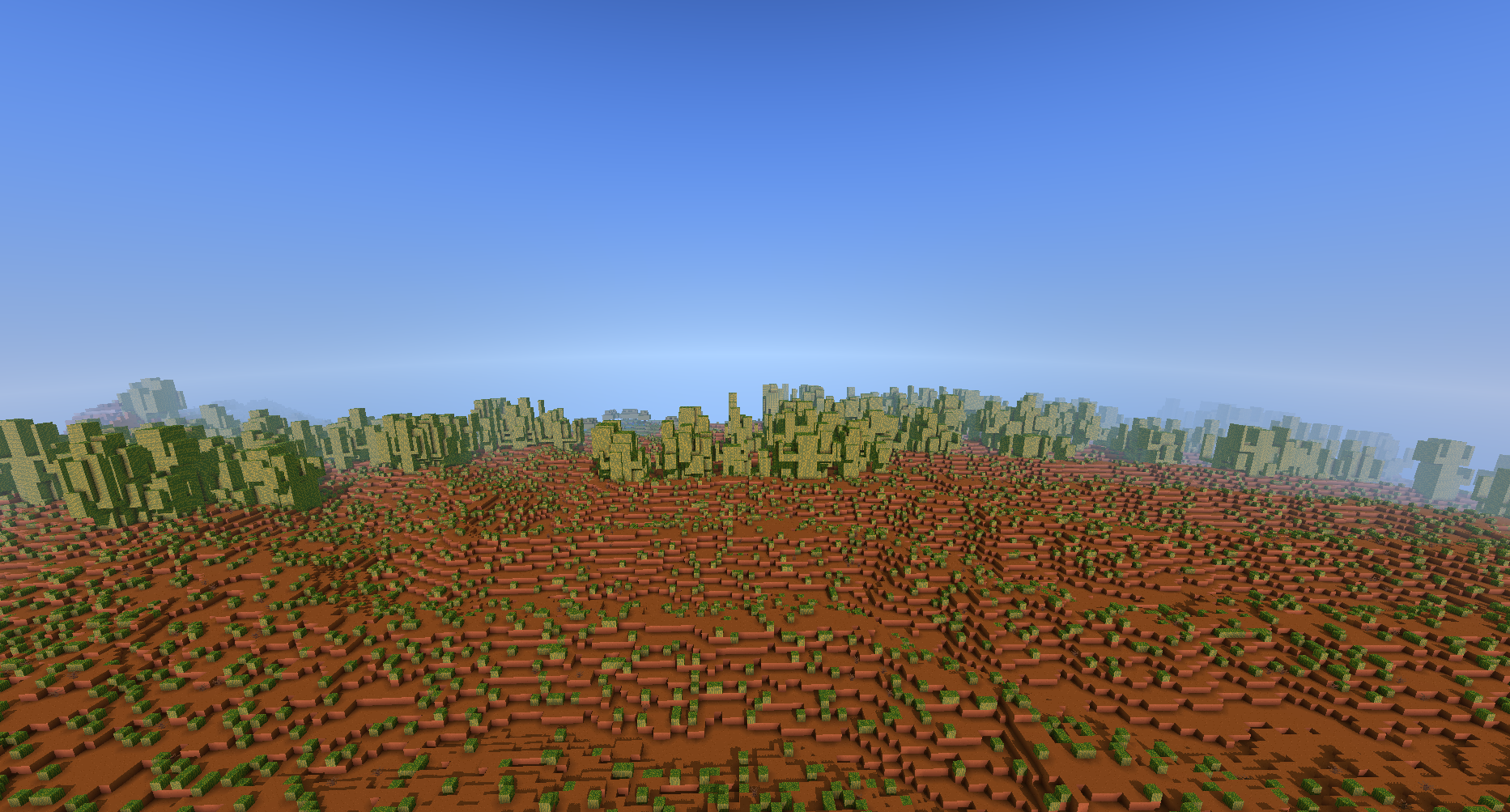
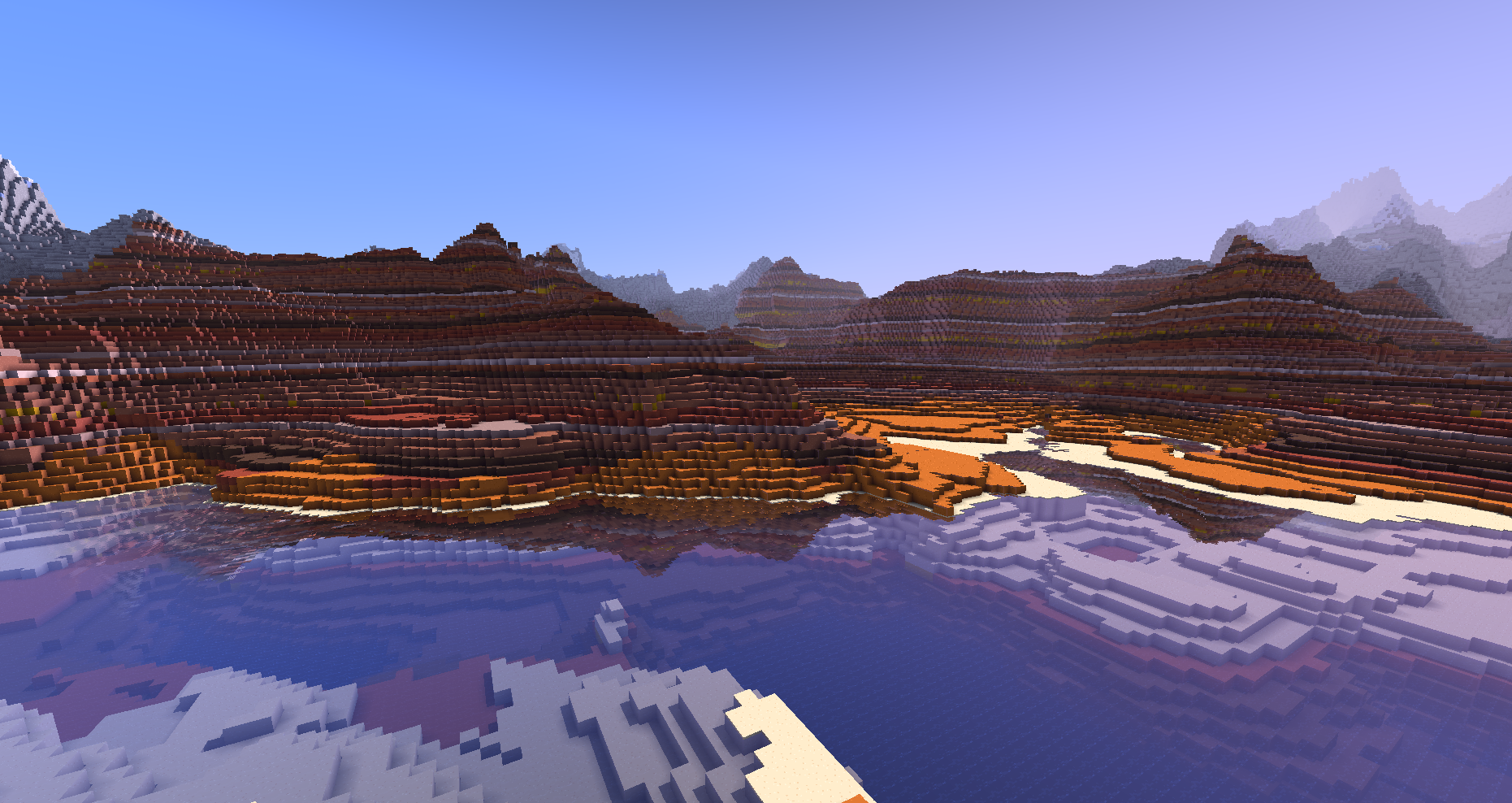
For badlands, I used the same algorithm as the mountains. Later I would use my teammate's cave generation to carve through the badlands to create some cool arches.
Continents
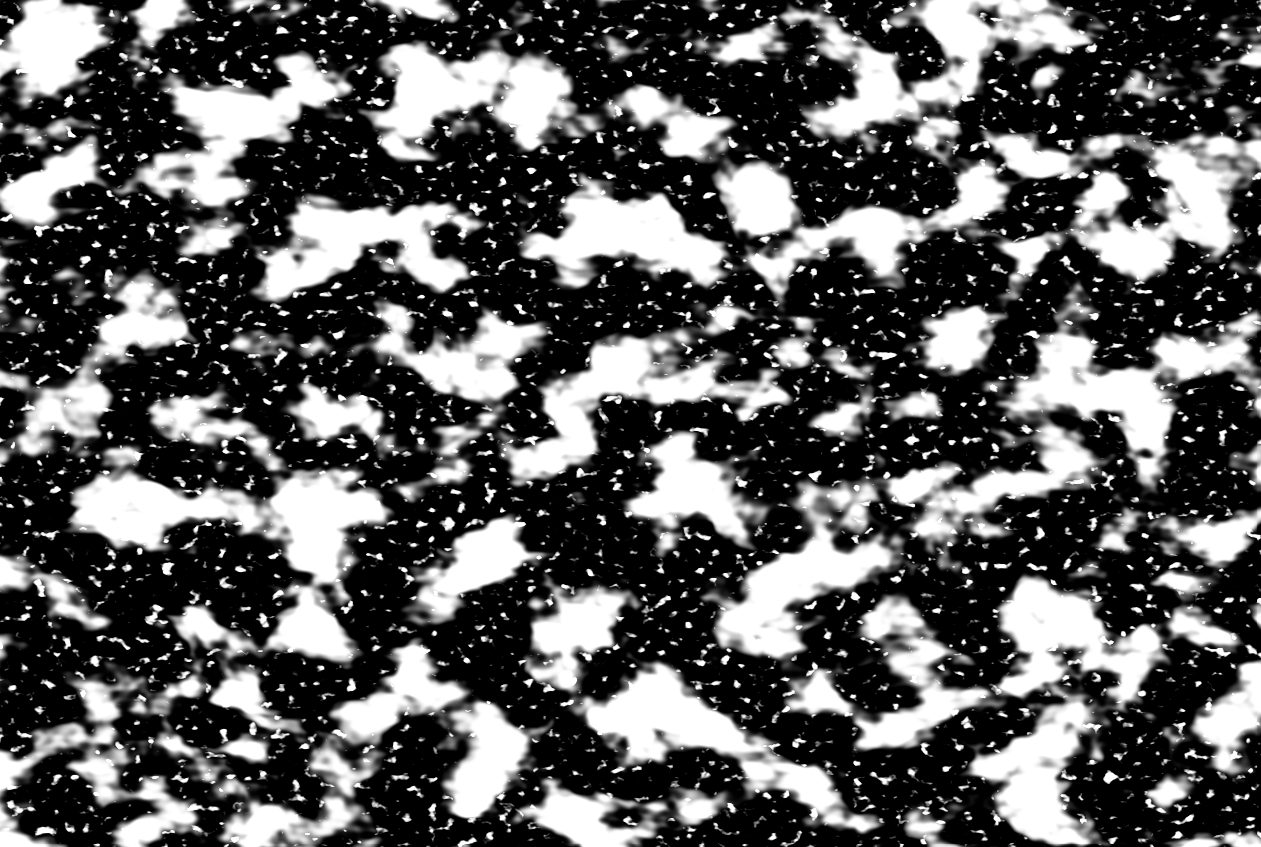
The first thing I added was continens and oceans. Just like how we determine if a block is mountain or grassland based on a perlin noise, I use noise to determine if a block is in continent or ocean. Since we are adding more biomes, we created a Struct that contains all the biome variables: Continentalness (to determine if in ocean or on land), Erosion (low erosion means mountains, high erosion means flat land), Moisture (to determine between desert/badland and grassland/mountain).
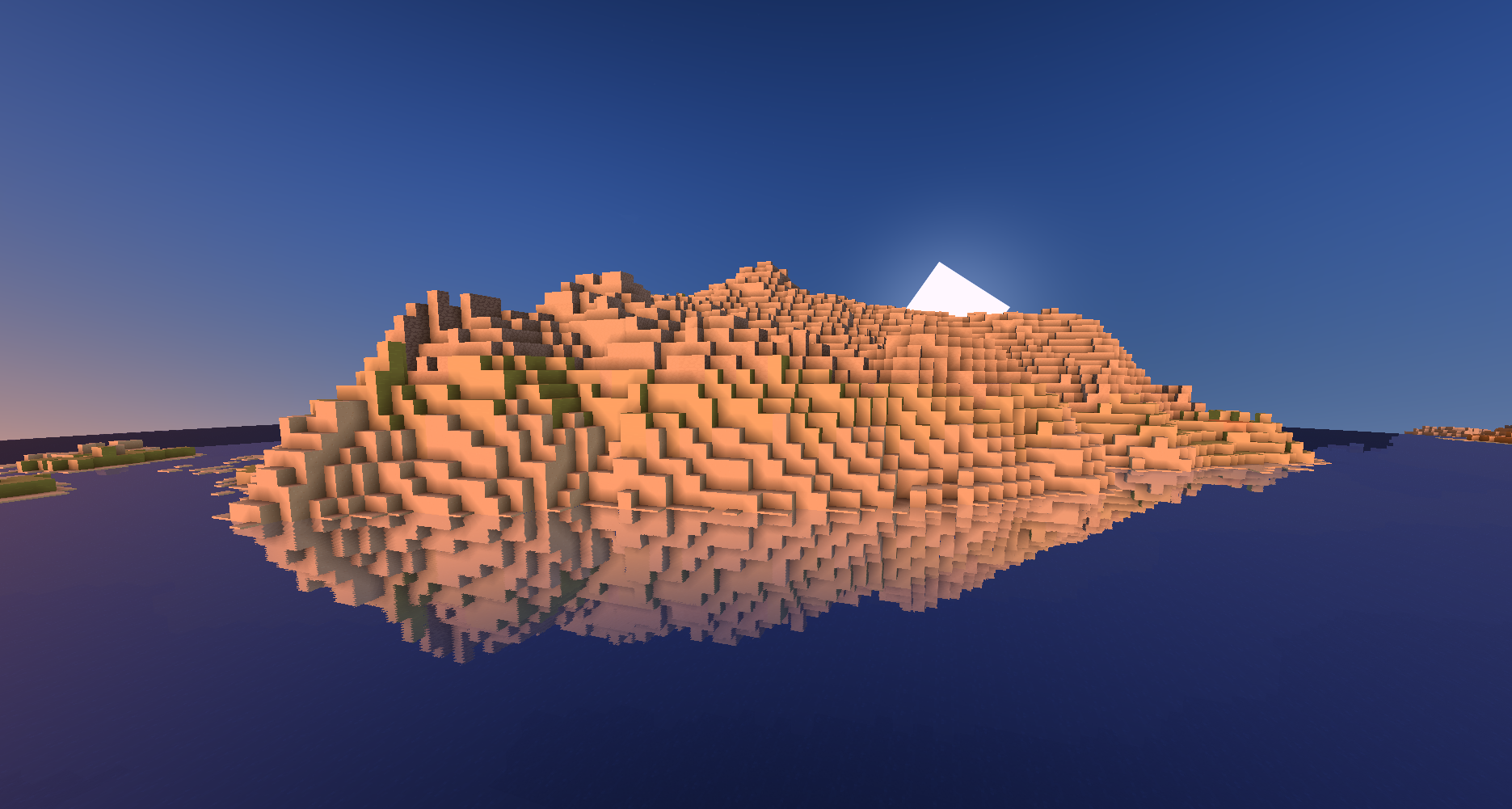
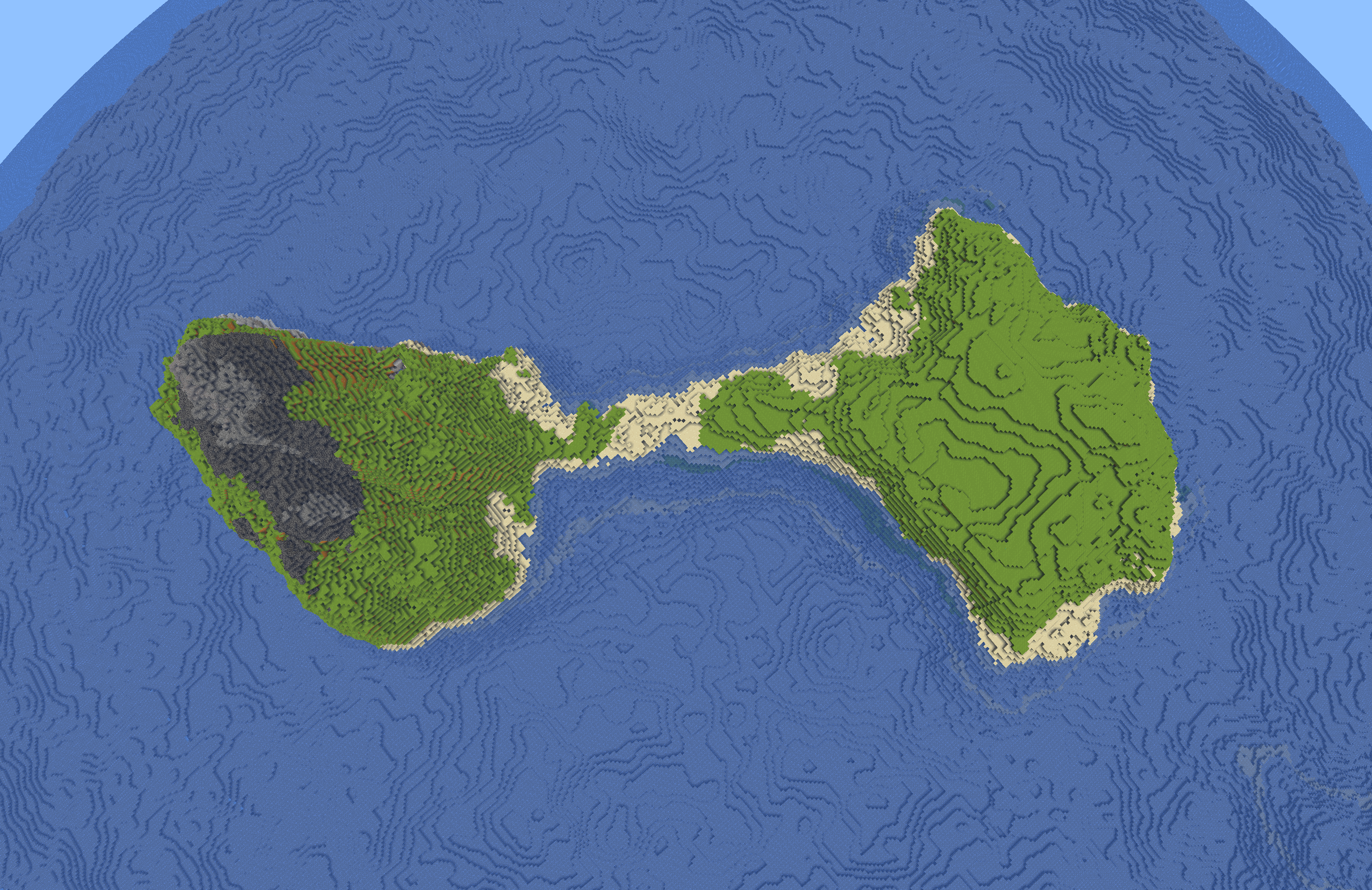
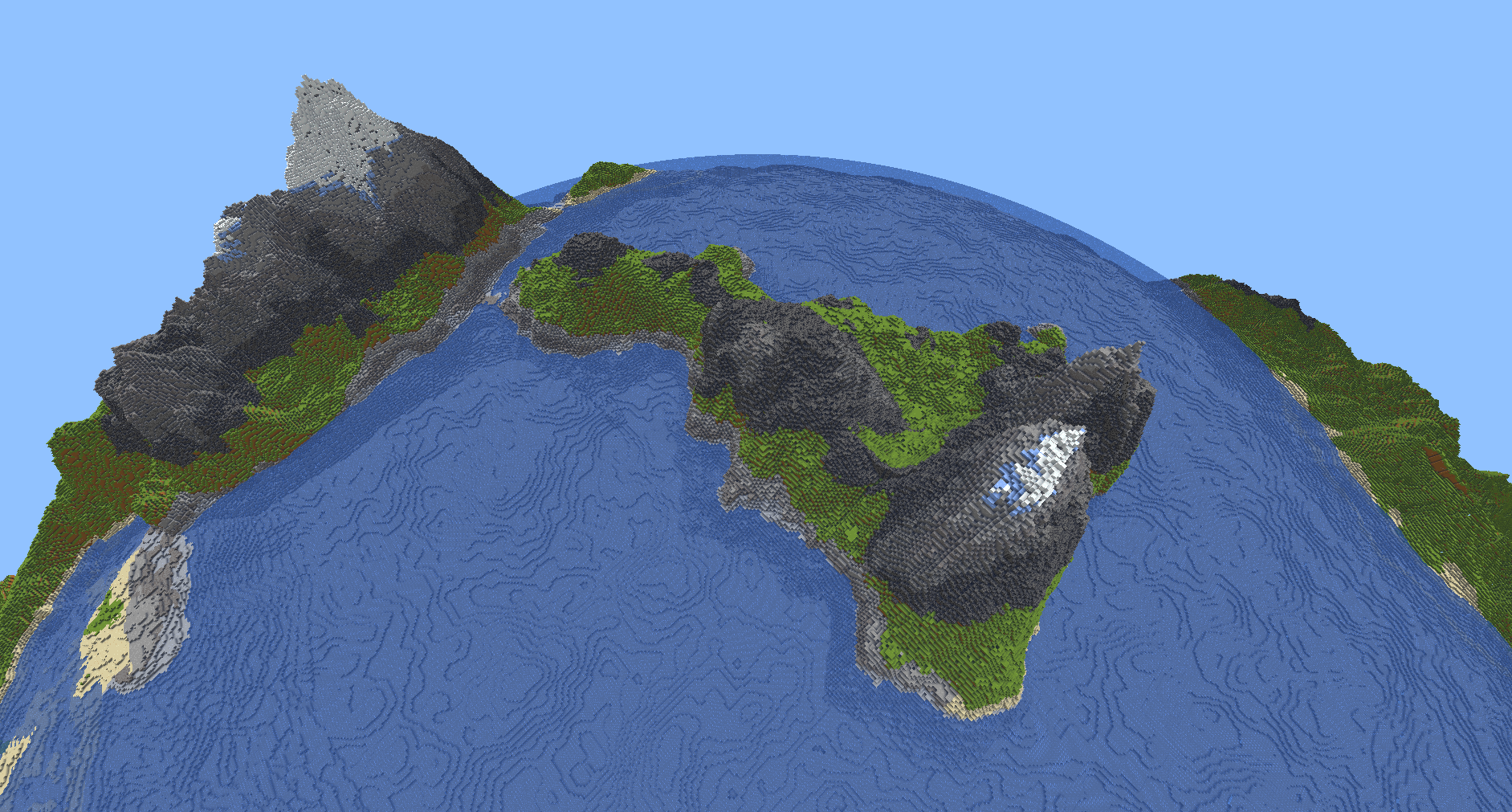
For the continentalness noise, I referenced this video: https://www.youtube.com/watch?v=wdHU5D-pvvo and used Fractal Perlin Noise with high lacunarity to create coastline like variations on the edges of the perlin noise. I then layered it on top of another fractal perlin noise with higher starting frequency to create islands between the continents. Now we have a noise for continentalness. To add it to the original terrain, I simply created oceanfloor terrain with Fractal Perlin Noise and blend it with the original terrain by mixing it by continentalness. We then add sand where land is near water level where continentalness is low.
The result combined with our previous terrain gen is something that looks like this.
Deserts
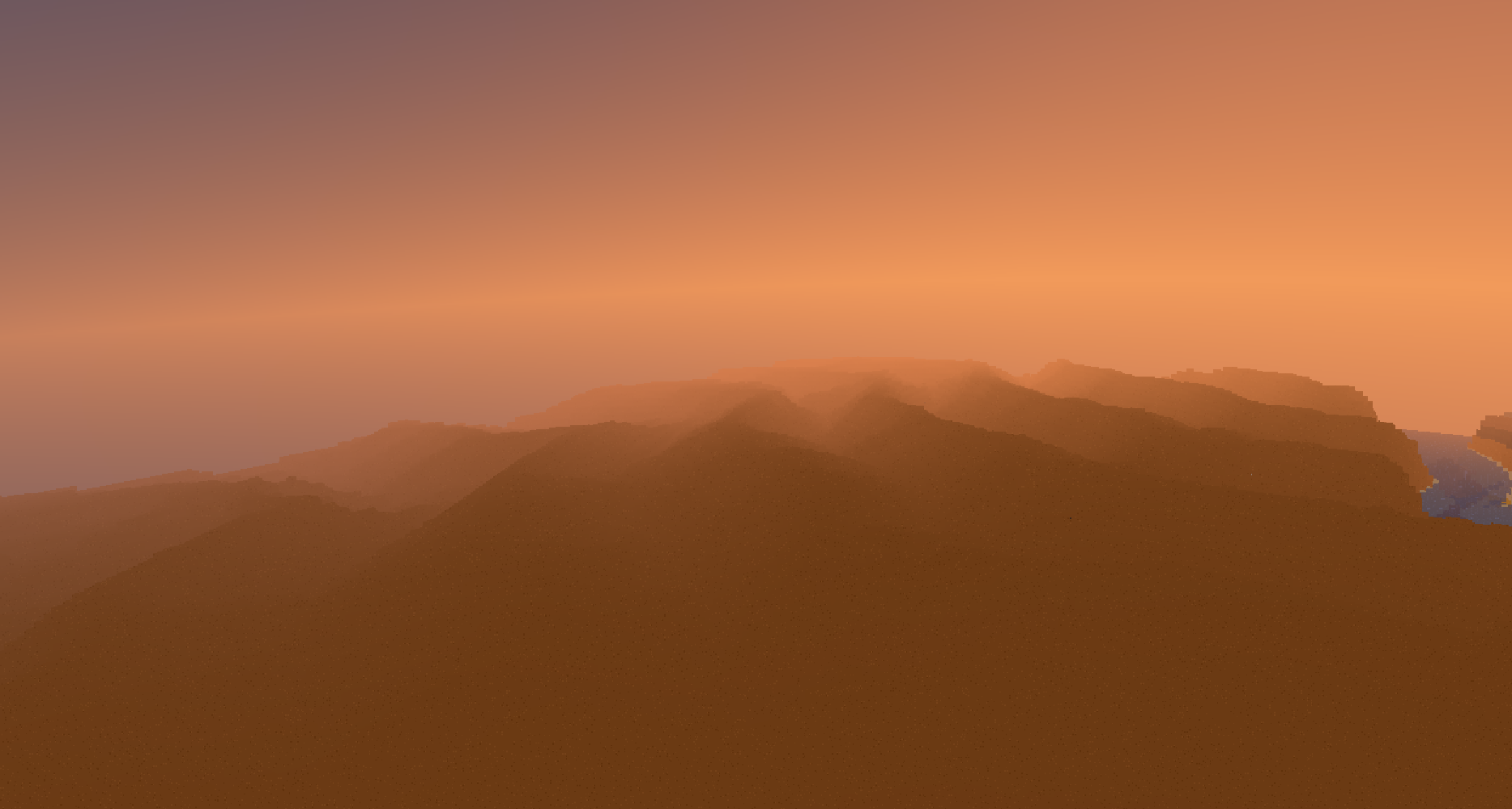
For desert, I start with a with a noise of vertical lines. Then I add voronoi on top and vary everything with FBM. Then when I sample the noise I add a little bit of random rotational variation so the dunes don't always go in the same direction. This however caused some problems when you go far away because the rotation is centered around (0, 0). My solution was quite crude I just reset the center of the rotation at a per cell basis every (4096, 4096) and did a little bit blending between cells. Ultimately, it does not look very good but it is rare enough that I can live with it given the time constraints.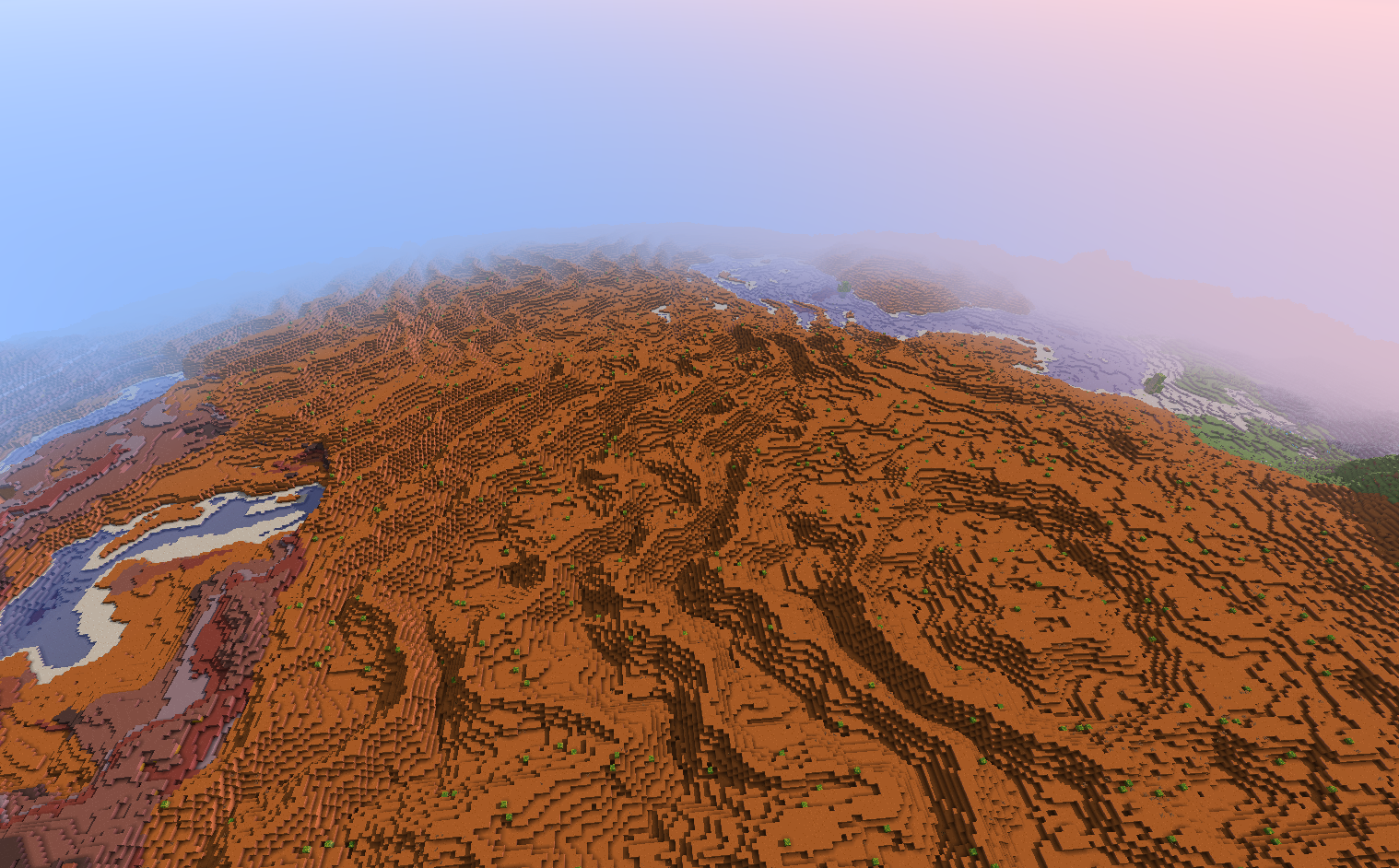
Multi-threading
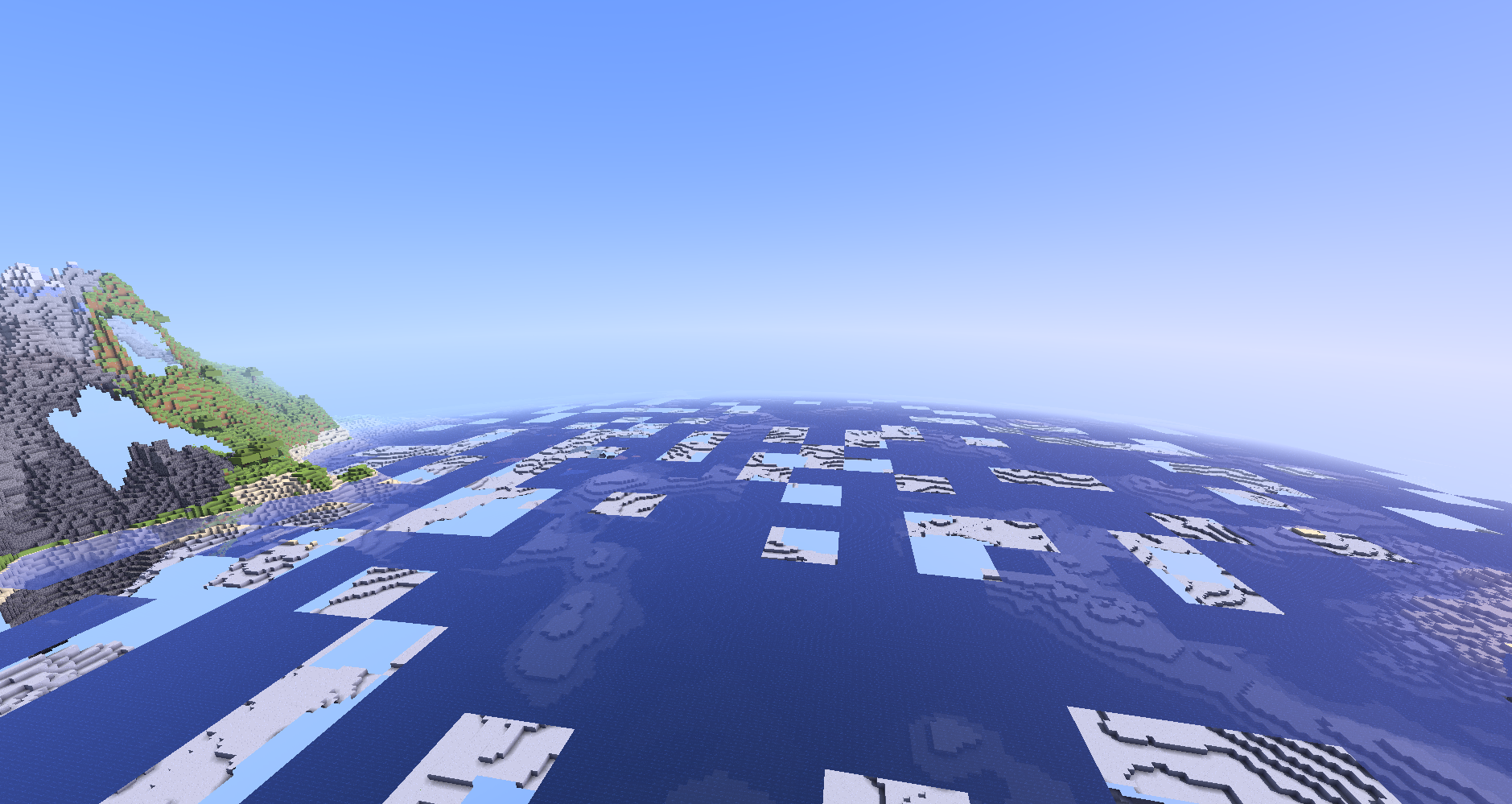
For Milestone 2's multithreading, I created the blocktypeworker and VBO worker as recommended. The blocktypeworker was easy to set up -- for each chunk, I created a worker to run a thread that calculated noise and generated block types based on that noise. I kept a separate std::vector of chunks that are generated. When each thread was done, it would lock the mutex corresponding to the vector, write the chunk it made to it, and then unlock it. Then at each tick, I would empty this vector and begin building VBO data for each newly generated chunk. Issues arose when I worked on the VBO Worker because a chunk's VBO data is dependent on the chunk data of surrounding VBOs. The initial solution was to update surrounding chunk VBOs whenever a new chunk was done generating. However, this approach caused seems in the terrain where faces on the edge of terrain zones will not be rendered.
The solution was to: on each tick, check that all chunks in radius have been generated, then buffer everything that has not been buffered yet. For chunks that were on the edge of terrain zones, their VBOs need to be rebuilt if new chunks were generated near them. Lastly, you had to draw all the terrain zones.
Deferred Rendering
Set Up
Setting up deferred rendering was a massive struggle. It was a lot of messing around with the gbuffer shaders and the pipeline before I could even get the position and normal rendering. I then followed this blog for SSR. I struggled a lot with getting everything into the right space (world vs view) and getting the depth buffer to work correctly.
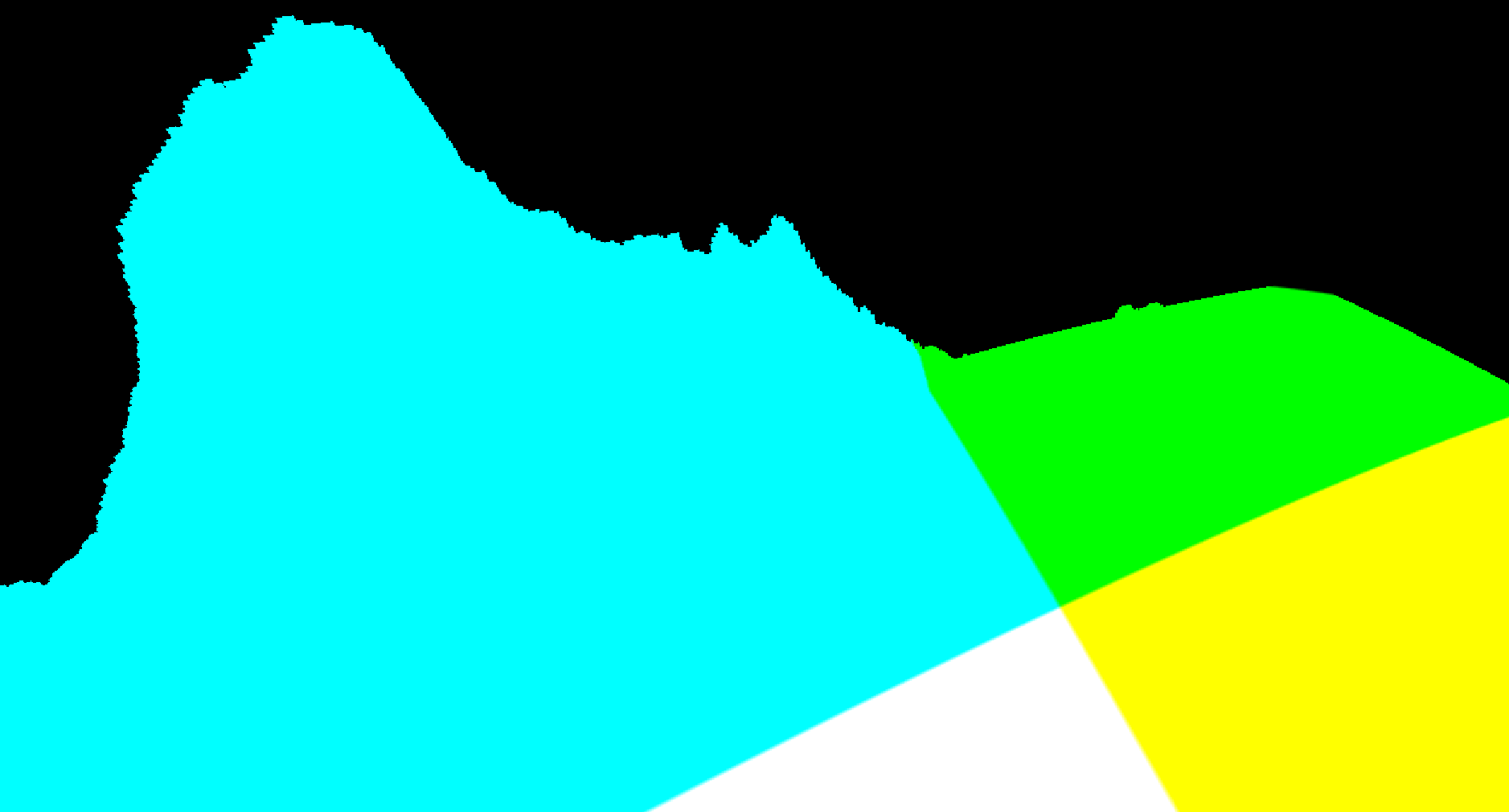 Position
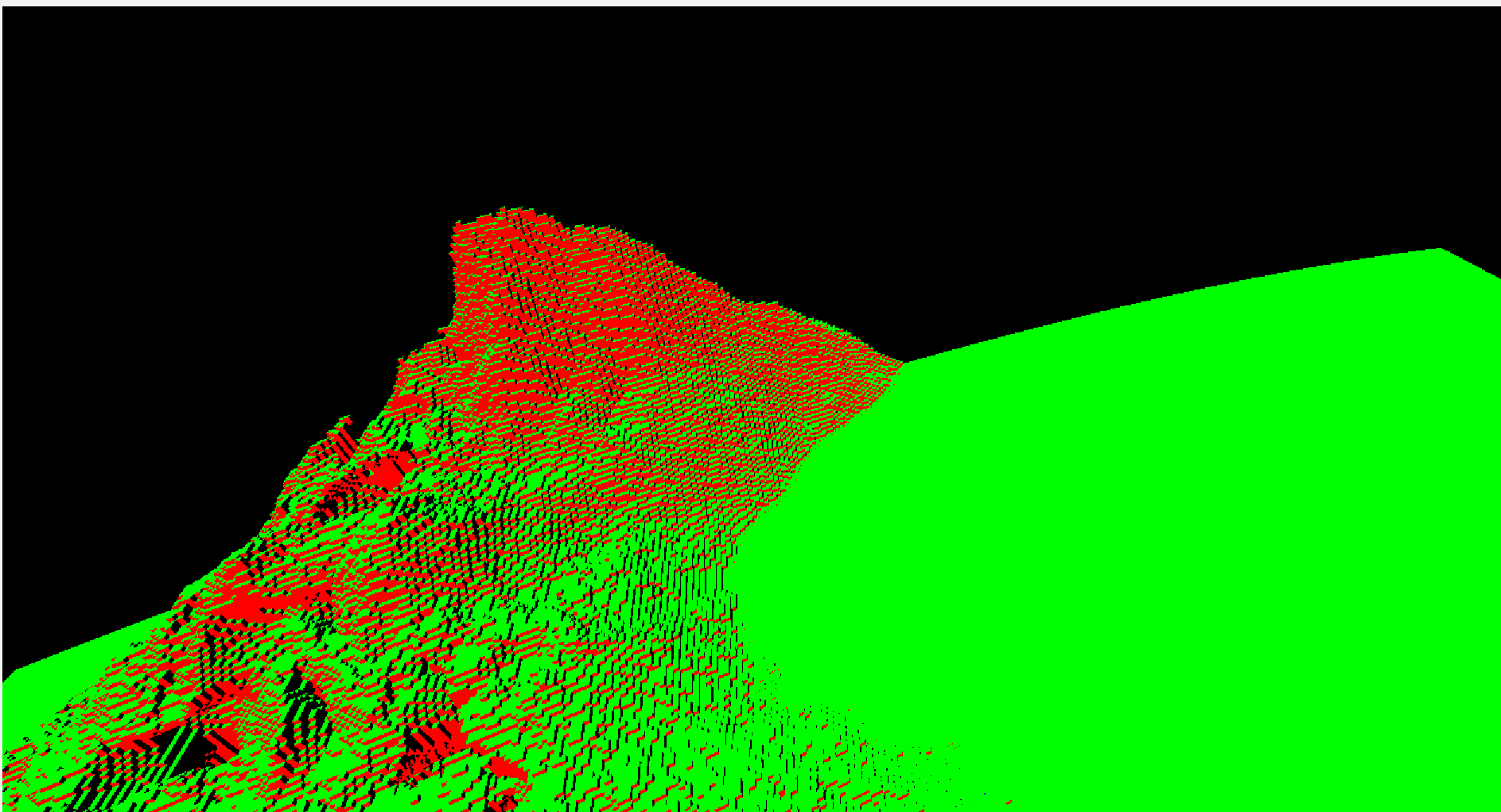 Normal
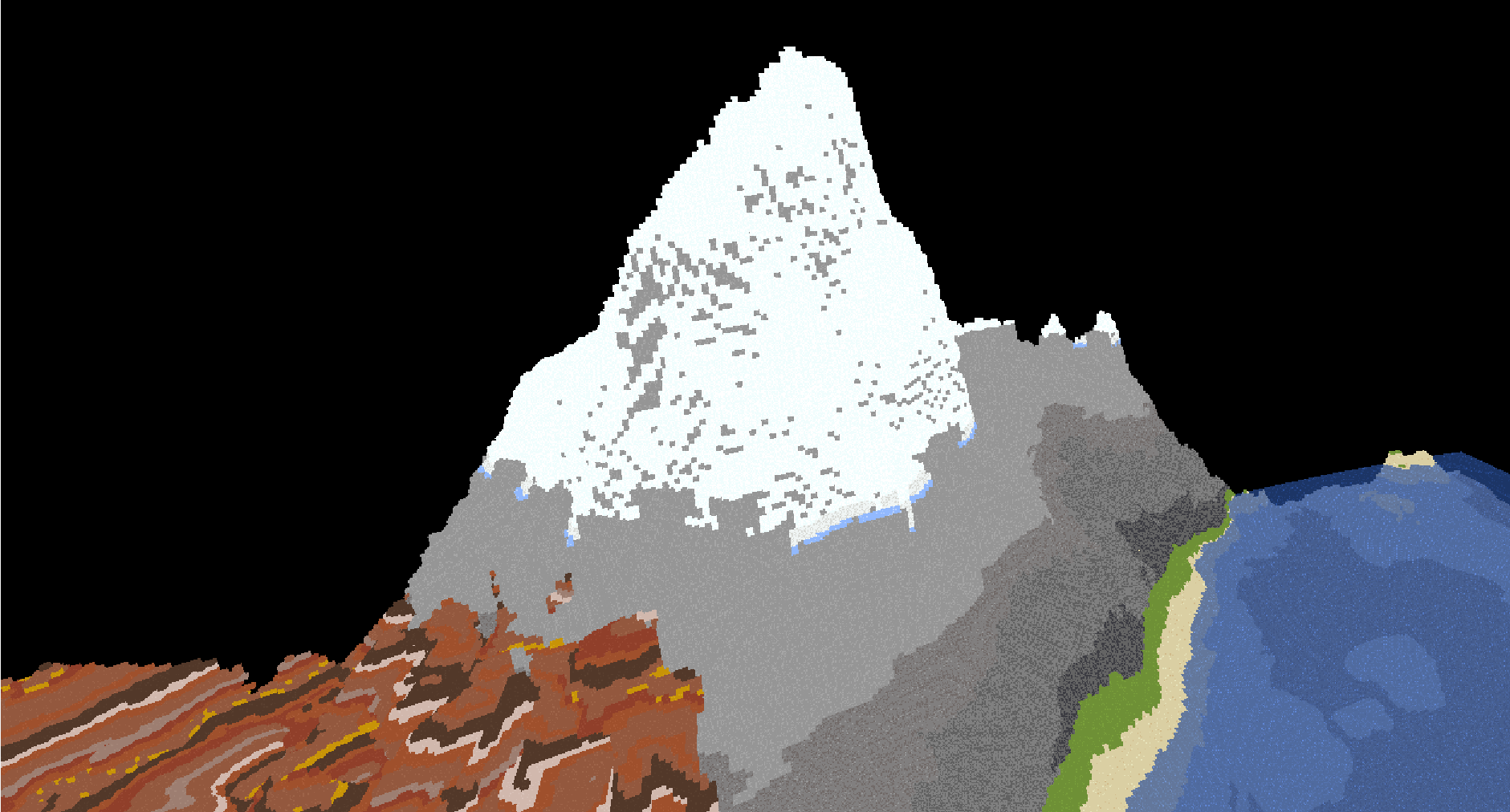 Albedo
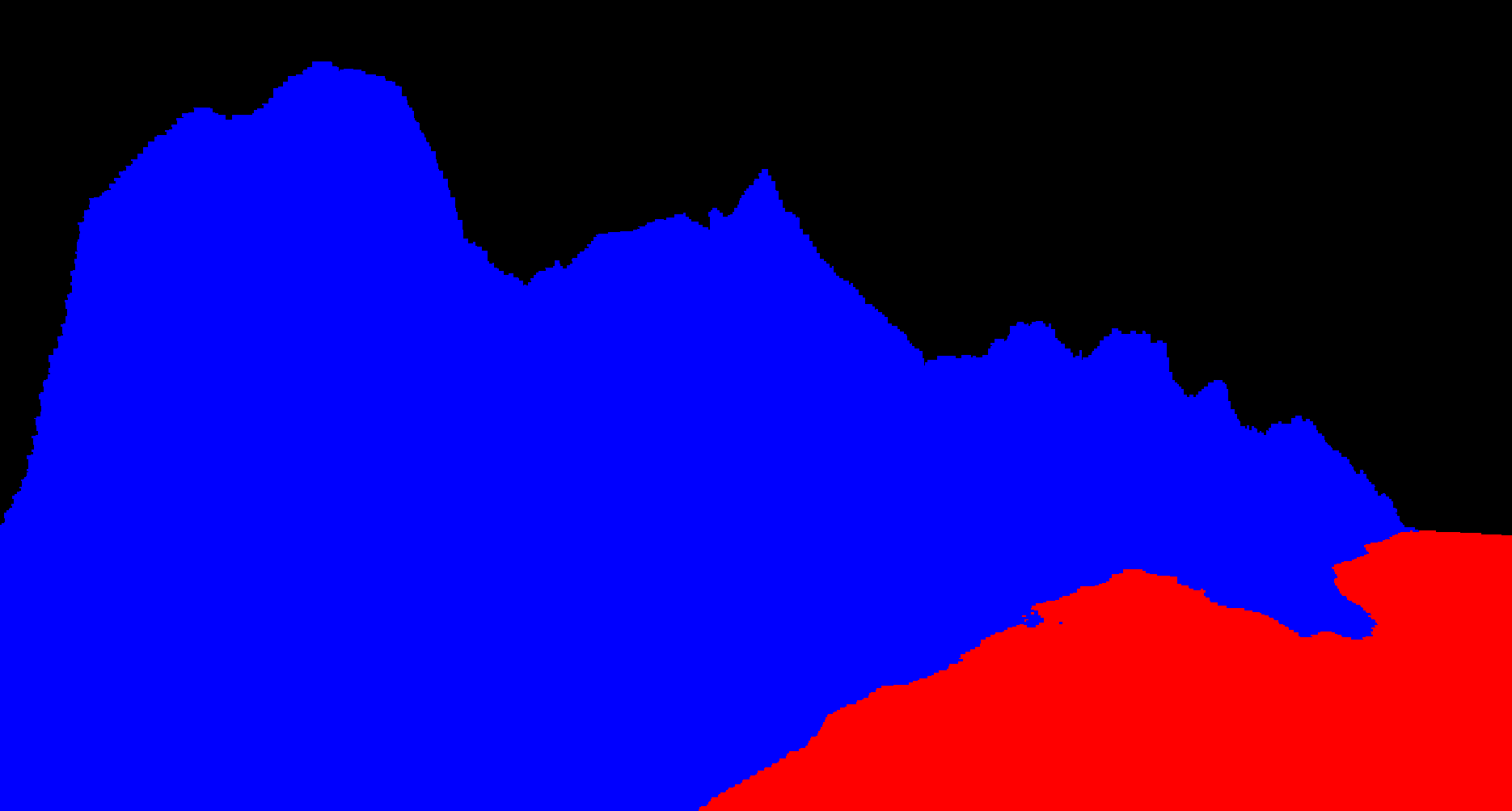 Material
Screen Space Reflections
However, there was one problem. After Bryan reset up the lighting for the deferred pipeline, we realized that there was no shading and AO for the blocks underwater. This is because the deferred lighting pass only has access to the following: position, normal, and material of the top most layer and the combined albedo of the scene which included the block underwater. What we need is separate position, normal, and albedo buffers for transparent and opaque objects. The solution is making a separate gbuffer shader for transparent objects and passing both sets into the lighting shader. One issue is that we can have only have 1 Depth buffer this way. So how can we tell which pixel has a transparent layer on top? We can use the albedo buffer for the transparent layer. If the length of the color at a pixel is 0, we know that there's nothing there. So now we have transmissive SSR!
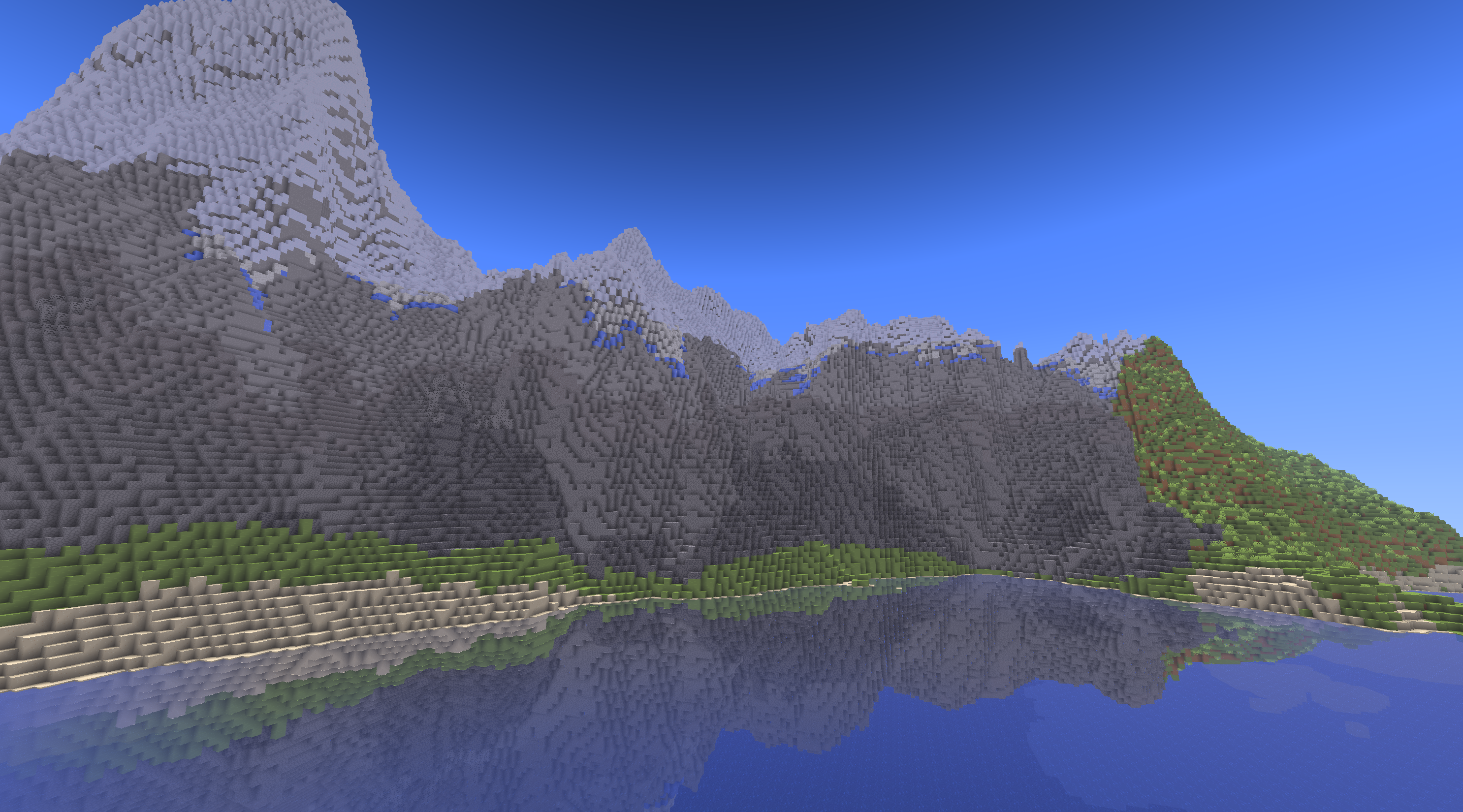 Non-transmissive
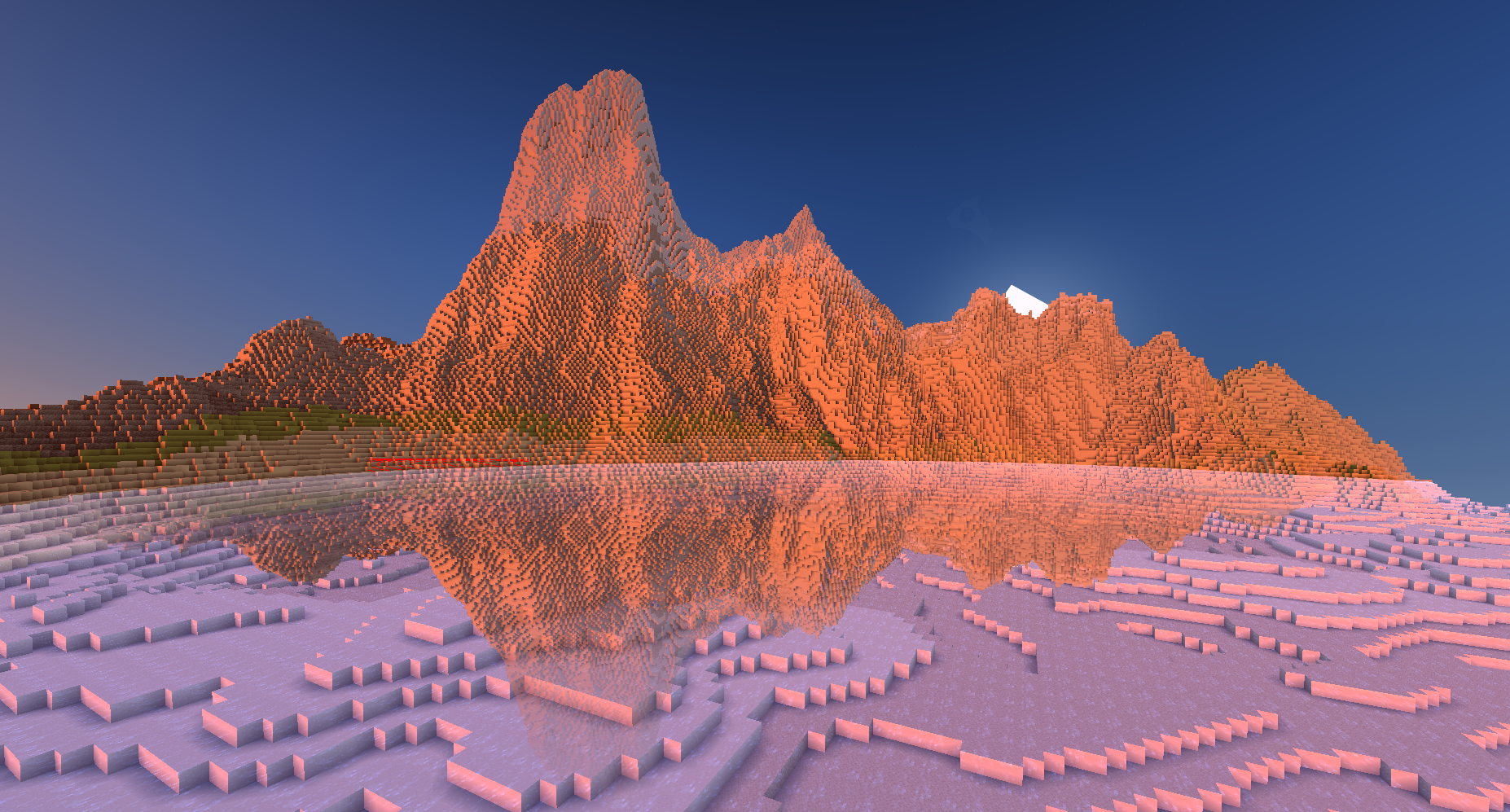 Transmissive
Another issue was the artifacting due to floating point error. Often, the raymarch would start below the water and immediately hit the water, causing it to find no reflection.
We fix this by adjusting the start location of each raymarch manually up by a little bit. This makes the reflections slightly inaccurate but it is not very noticeable.
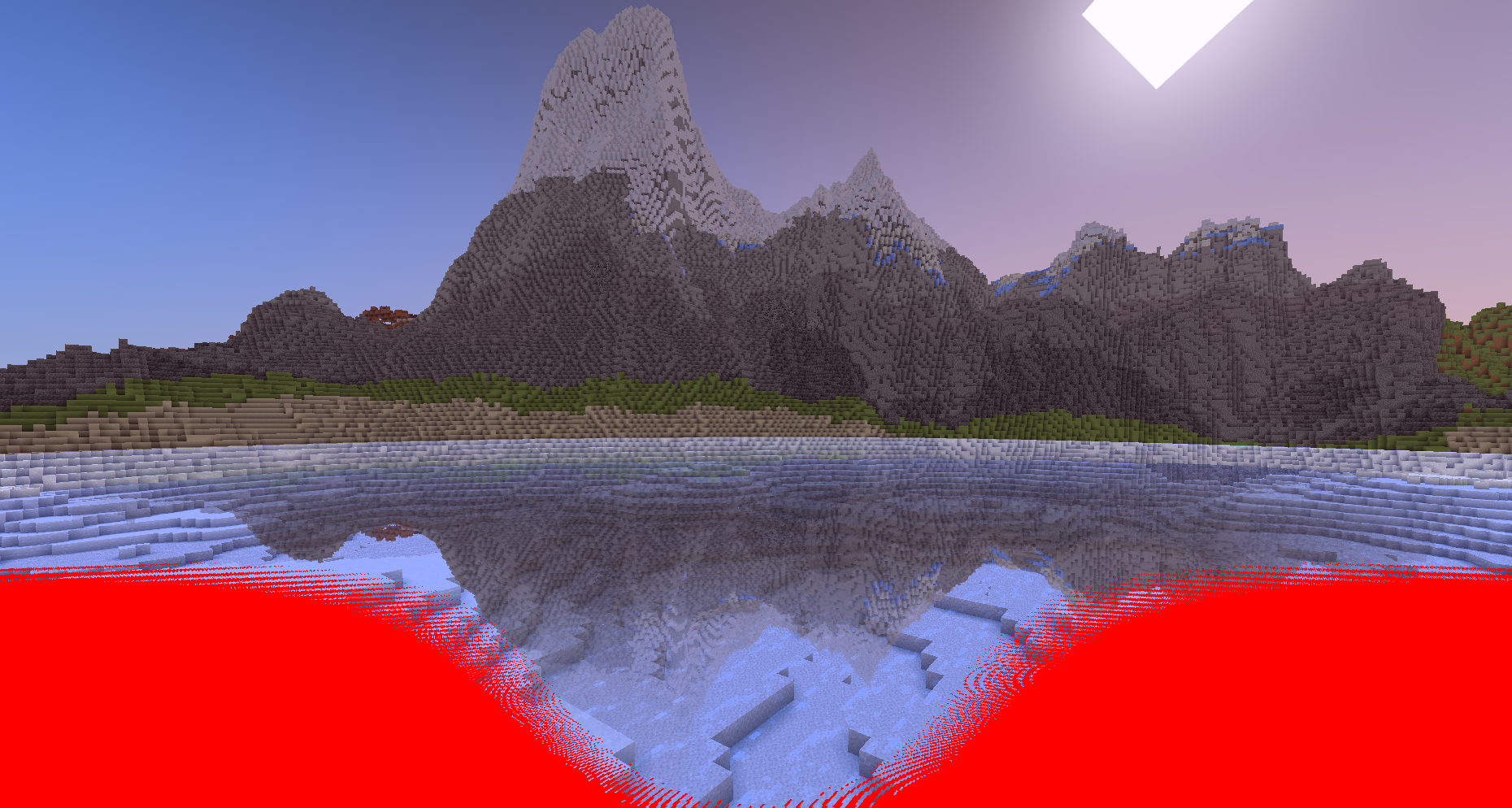 Before
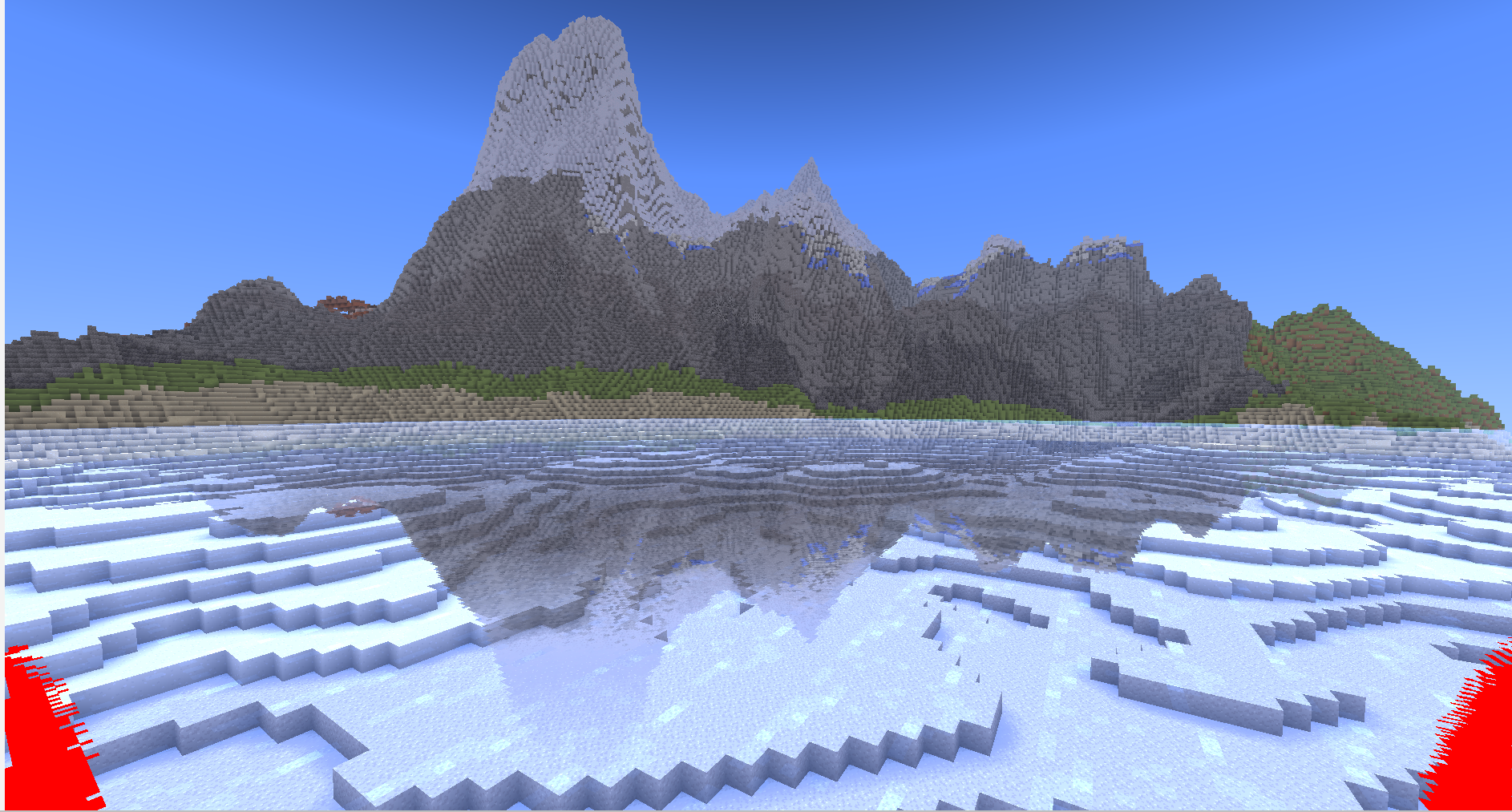 After
After
In the end, there were still some issues with my SSR implementation. Due to floating point error, the quality of SSR decreases as you move further from (0,0). Converting from world to local coordinates could potentially fix that, but we did not have time to implement this.
Project Gallery / Bloopers